
Smartphone Free School
At Aragon Primary School, we are committed to providing a safe, focused and inclusive environment in which every child can learn, play and develop positive relationships.
We believe that primary-aged children benefit from real-life social interaction, active play, hands-on experiences and time away from digital distractions. Our Smartphone-Free Policy supports pupils’ wellbeing, emotional development and online safety, while helping us to maintain a strong and connected school community.
What does smartphone-free mean at Aragon?
We are introducing our smartphone-free approach in stages:
- From September 2026, Year 6 pupils may bring a smartphone to school, although we strongly recommend a basic mobile phone instead.
- Year 5 pupils must not bring a smartphone to school. Where a phone is needed for travelling to and from school, it must be a basic mobile phone that allows calls and text messages but does not provide internet access.
- Children in Reception to Year 4 must not bring any type of mobile phone to school.
- From September 2027, smartphones will not be permitted for any pupil. Where needed, pupils in Years 5 and 6 may bring a basic mobile phone for their journey to and from school.
Any permitted phone must be switched off and handed to a member of staff immediately on arrival. It will be stored securely during the school day and returned at home time. Phones must not be used anywhere on the school site, including before or after the school day.
This expectation also applies during school trips, residential visits and other school-led activities.

Why are we smartphone-free?
Smartphones provide access to the internet, social media, messaging applications, cameras and online content. These features can create risks that primary-aged children may not yet have the maturity or experience to manage safely.
Our smartphone-free approach is also about creating a clear and consistent expectation across our school community. We know that parents and carers can sometimes feel under pressure when children ask for a smartphone because they believe that their friends already have one. By making our position clear, families can confidently explain that smartphones are not part of primary school life at Aragon.
We hope this reduces the expectation that primary-aged children should own a smartphone and helps to prevent children from feeling that they need to ask for one. It also supports parents and carers who wish to delay smartphone ownership by giving them a clear school-wide expectation to refer to.
Our approach is intended to:
- protect children from inappropriate online content and cyberbullying;
- reduce distractions and support concentration and engagement in learning;
- encourage face-to-face conversation, friendship and active play;
- support healthy emotional regulation and independence;
- reduce pressure linked to social media, appearance and online validation;
- protect children’s personal information and privacy;
- reduce the expectation that primary-aged children should own a smartphone;
- support families to set clear boundaries and delay smartphone ownership;
- give children time and space to enjoy childhood without the expectation of being constantly connected.
The policy identifies concerns including cyberbullying, unsuitable content, emotional wellbeing, distraction from learning, privacy risks and social pressure.

What do we recommend?
We recommend delaying the purchase of a smartphone for as long as possible.
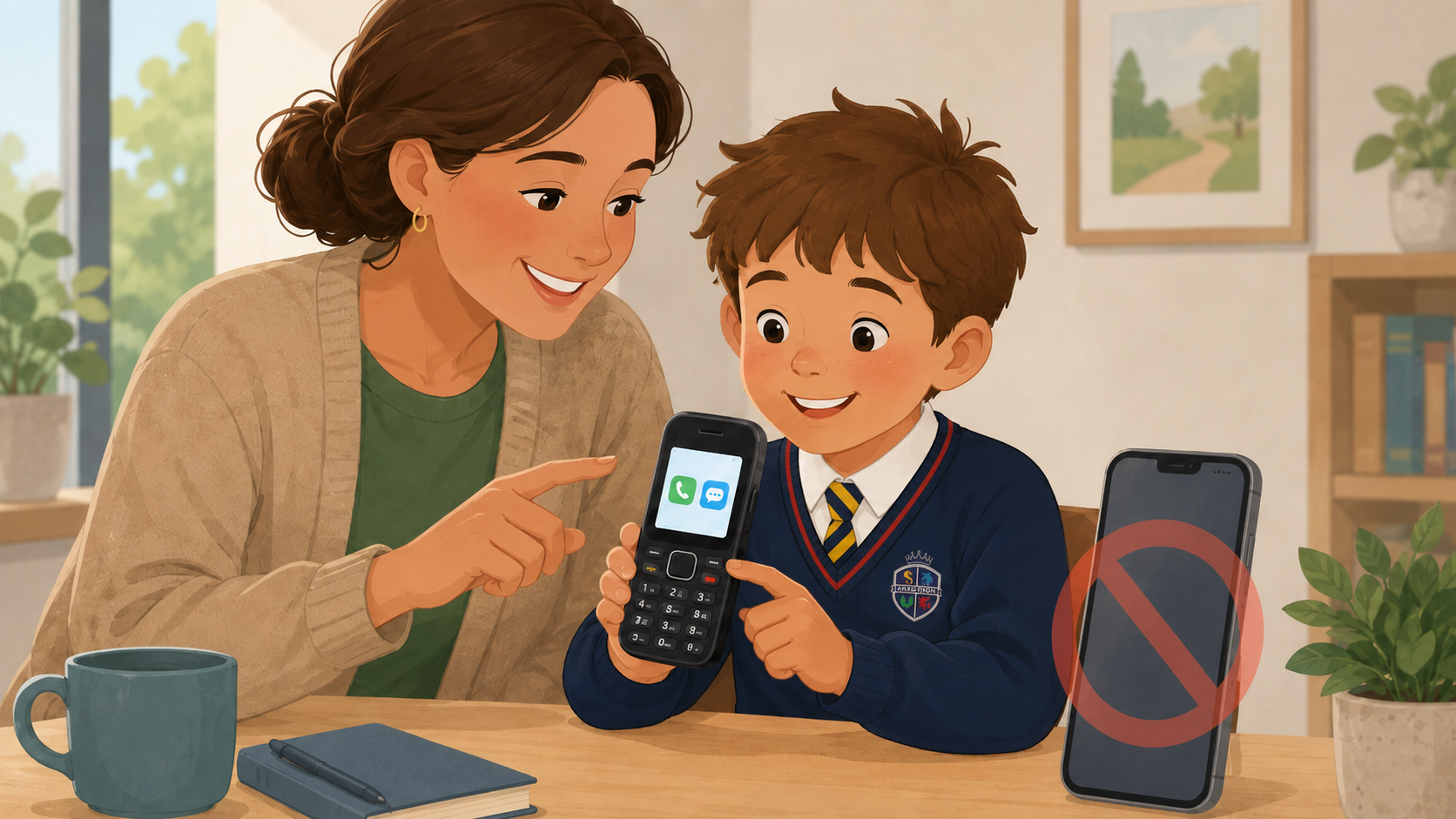
Where families feel that their child needs a phone for travelling independently, we recommend choosing a basic mobile phone.
A basic mobile phone is designed primarily for:
- making and receiving telephone calls;
- sending and receiving text messages;
- providing a simple way for a child to contact their family when needed.
Unlike a smartphone, a basic mobile phone does not provide access to social media, applications or internet browsing.
When purchasing a phone or SIM card, we recommend:
- choosing a simple device without internet access or social media applications;
- selecting a calls-and-texts-only SIM with no mobile data;
- checking carefully whether the device includes internet browsing, app downloads or social media access;
- establishing clear family expectations about when, where and how the phone may be used;
- keeping devices out of bedrooms overnight;
- regularly talking to your child about online safety, friendships and responsible communication.
The examples included in our policy are provided to help families understand the types of basic mobile phones available. They are not endorsements of particular products or retailers.
Smartwatches and tracking devices
Smartwatches, GPS watches, Bluetooth tags and other location-tracking devices must not be brought into school, worn during the school day or taken on school trips.
These devices may transmit location information through external applications or cloud services that are outside the school’s control. Tracking information can also be delayed or inaccurate and may interfere with the school’s established safeguarding procedures, including registers, headcounts and emergency responses.
Medical exceptions
We recognise that, in exceptional circumstances, a child may require a smartphone to operate an essential medical application, such as a glucose-monitoring system.
Where this applies, parents and carers should contact the school office so that an appropriate individual arrangement can be agreed with the Headteacher. Any approved device will be used only for its medical purpose and managed securely throughout the school day.
What happens if a device is brought into school?
Any unauthorised smartphone, smart tracker or internet-enabled device will be confiscated and stored securely. The school office will contact the child’s parent or carer, and the device must be collected by a family adult.
Permitted basic mobile phones must also be handed in on arrival. Where a phone is not handed in, it may be confiscated and returned directly to a parent or carer. Repeated breaches may result in further action in line with the school’s Behaviour Policy.
Supporting your child to use a smartphone safely at home
We strongly recommend delaying smartphone ownership for as long as possible and choosing a basic mobile phone where a child needs to contact their family.
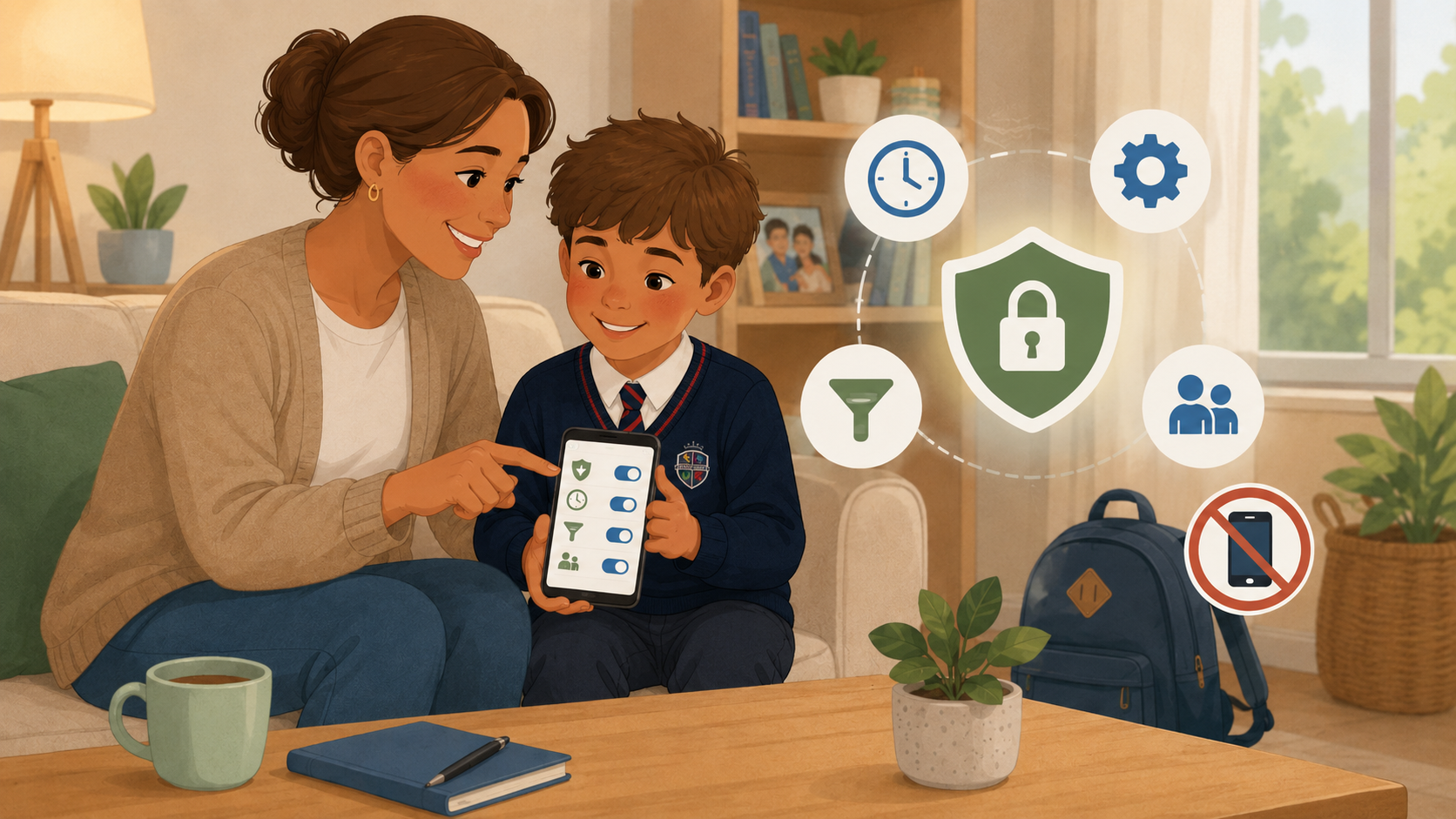
However, we recognise that some parents and carers may decide to allow their child to use a smartphone outside school. Where this is the case, we strongly recommend setting up parental controls before giving the device to your child.
Please remember that smartphones must not be brought onto the school site, even when parental controls have been enabled.
Apple iPhone
Apple’s Family Sharing and Screen Time settings allow parents and carers to manage a child’s device. These controls can be used to:
- restrict inappropriate websites, applications and content;
- prevent or approve app downloads and purchases;
- set daily limits for particular applications;
- schedule periods when most applications cannot be used;
- limit who the child can communicate with;
- control privacy settings and prevent children from changing them;
- view information about the child’s device use.
We recommend creating a separate child Apple Account through Family Sharing and protecting the Screen Time settings with a passcode that is not shared with your child. Apple provides step-by-step guidance for setting up and managing these controls.
Android phones
Google’s Family Link service allows parents and carers to supervise a child’s Google Account and compatible Android device. It can be used to:
- approve, block or limit applications;
- set daily screen-time limits and bedtime schedules;
- apply content restrictions to Google Play;
- manage settings for Chrome, Google Search and YouTube;
- control app permissions and purchases;
- remotely manage key settings from a parent’s device.
Parents and carers can install the Family Link app on their own Android phone, iPhone or iPad and connect it to the child’s supervised Google Account.
Further guidance
Internet Matters provides clear, step-by-step guides for setting up parental controls on Apple and Android devices. It also offers guidance on making a smartphone more limited by removing or restricting internet browsing, social media, applications and downloads.
Parental controls are an important safeguard, but they cannot remove every online risk. We also encourage families to:
- agree clear rules about when and where the phone may be used;
- keep phones out of bedrooms overnight;
- check age restrictions before allowing applications or social media;
- regularly review privacy, location and messaging settings;
- talk openly with their child about anything they see or experience online;
- ensure their child knows they can ask for help without fear of immediately losing the device.